
MusicTech.blog
Best DAW for Beginners in 2026: FL Studio, Ableton, Logic, Reaper and More
July 30, 2025
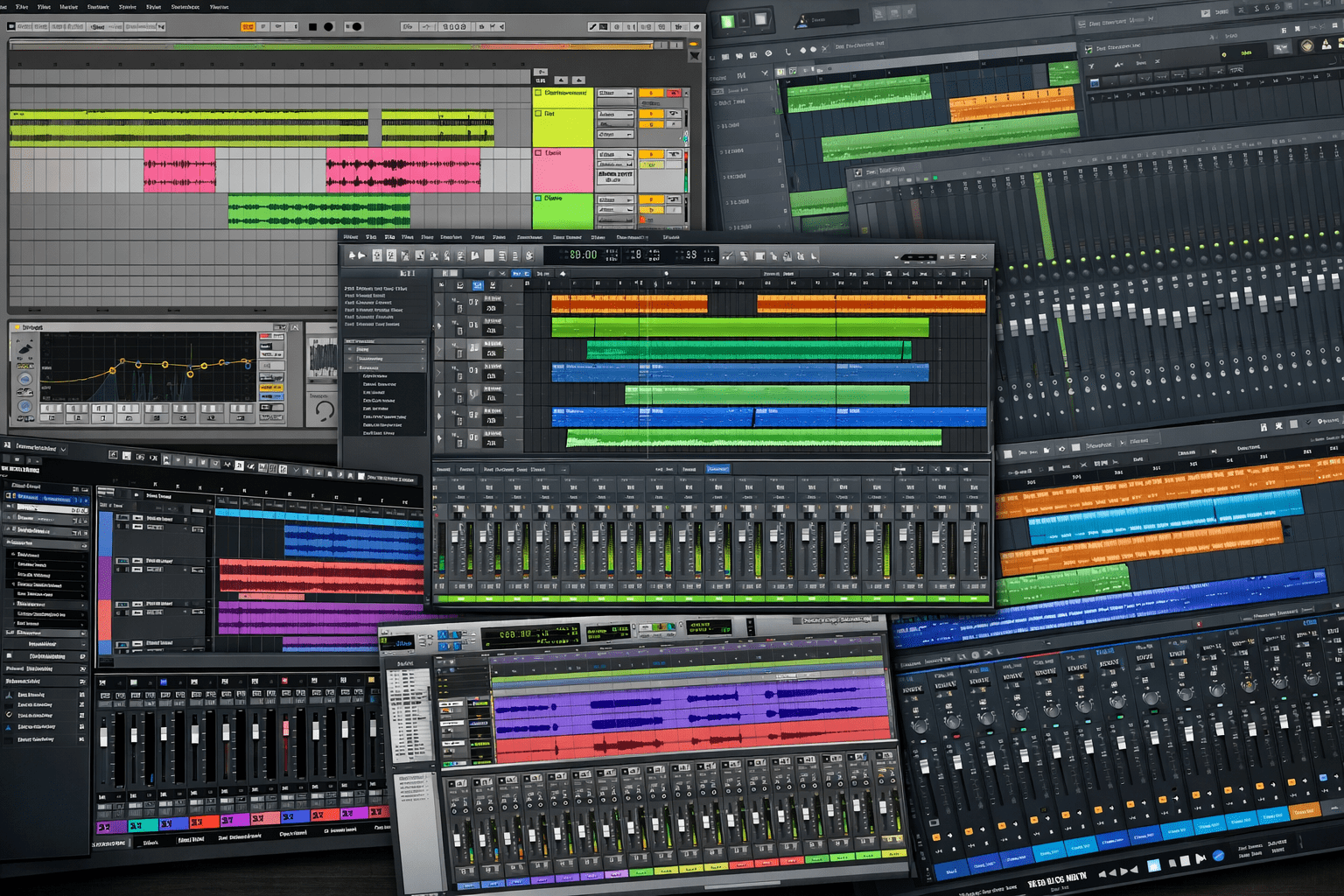
Choosing your first DAW is one of the most important decisions you’ll make as a new producer — and one of the most confusing. There are free options, budget options, Mac-only options, and professional-grade options with wildly different approaches to making music. This guide gives you an honest breakdown of the best DAWs for beginners in 2026, covering what each one does well, where it falls short, and who it suits best.
One thing worth knowing upfront: every major DAW produces the same audio quality. A mix finished in FL Studio sounds identical to one finished in Ableton or Logic, assuming the same decisions were made. The difference is entirely in the workflow — how you get there. Choose based on how you think and work, not on what your favourite producer uses.
GarageBand — Best Free Option for Mac Users
Price: Free (macOS and iOS) | Best for: Singer-songwriters, Mac beginners, anyone who wants to try before spending money
If you have a Mac, start here. GarageBand is a fully functional DAW with multitrack recording, a comprehensive library of loops and Apple Loops, virtual instruments, and a clean interface that doesn’t overwhelm beginners. It’s not a toy — many commercially released songs have been produced in GarageBand, and the included instruments and loops are genuinely high quality.
The upgrade path is important: GarageBand projects open directly in Logic Pro, which means starting in GarageBand doesn’t mean starting over when you’re ready for a professional tool. You learn the workflow, then upgrade the software around it. For Mac users who aren’t sure they want to commit to a paid DAW yet, GarageBand is the obvious starting point.
Limitation: macOS and iOS only. No Windows version exists and none is coming. Windows users should skip directly to the paid options below.
Ableton Live — Best for Electronic Music and Live Performance
Price: Intro $99 / Standard $499 / Suite $799 (frequent sales) | Best for: Electronic music, DJs, live performers, loop-based composition
Ableton Live is built around a fundamentally different approach to music creation than most other DAWs — the Session View. Rather than a linear timeline, the Session View is a grid where clips of audio and MIDI can be triggered in any order, enabling a non-linear, improvisational approach to composition and performance that’s uniquely suited to electronic music.
For producers who build music from loops, samples, and improvised arrangements, Live’s Session View makes the creative process feel natural and fast in a way that a conventional timeline DAW doesn’t. For DJs and live electronic performers, it’s the standard tool — the ability to trigger clips, control effects, and improvise arrangements in real time is unmatched by any other major DAW.
Ableton Live also has a conventional Arrangement View for linear recording and editing, which handles traditional multitrack recording competently. Most Ableton users spend time in both views, switching based on the stage of production.
The included instruments in the Standard and Suite tiers are excellent — particularly the Wavetable synthesizer (included in Suite), Operator (FM synthesis), and the Drum Rack sampler. Suite includes Max for Live, which extends Live’s capability with hundreds of community-built instruments and effects of extraordinary variety.
Limitation: The price of the full Suite is high. The Intro tier is significantly limited in track count and features. The Lite version (often bundled with hardware) is even more limited. For electronic music producers who want the full feature set, the Standard or Suite tier is the real entry point, and the investment is significant. Available for Windows and macOS.
FL Studio — Best for Hip-Hop, Trap, and Beat-Making
Price: Fruity $99 / Producer $199 / Signature $299 / All Plugins $899 | Best for: Hip-hop producers, beat-makers, electronic music, pattern-based composition
FL Studio has one of the most devoted user bases of any DAW, and its dominance in hip-hop and trap production is unmistakable — the list of major-label producers who learned their craft in FL Studio is extraordinarily long. The Step Sequencer, Piano Roll, and Mixer are the core of a workflow that centres on pattern-based composition: building drum patterns in the step sequencer, programming melodic patterns in the piano roll, and arranging them in a playlist.
FL Studio’s Piano Roll is considered by many users to be the best MIDI editor of any DAW — sophisticated, flexible, and well-designed for the kind of detailed MIDI programming that hip-hop and electronic production requires. The Mixer is a full-featured channel strip mixer with send routing, sidechain support, and extensive plugin hosting.
The pricing model is distinctive: all FL Studio purchases include free lifetime updates. You pay once for the version you buy, and every future version — including FL Studio 25, 26, and beyond — is included at no additional cost. This represents exceptional long-term value and is one of the most compelling practical arguments for FL Studio over subscription-based competitors.
Limitation: Audio recording is functional but the workflow is less polished than dedicated recording DAWs like Cubase or Pro Tools. FL Studio is primarily a composition and production tool; engineers who record live performances extensively often prefer a different primary DAW. Available for Windows and macOS (the macOS version has matured significantly in recent years).
Logic Pro — Best Value Professional DAW for Mac
Price: $199.99 (one-time) or $4.99/month subscription | Best for: Mac users who want a professional-grade DAW with exceptional included content
Logic Pro is Apple’s professional DAW and the most compelling value proposition in music software for Mac users. A $199 one-time purchase (or $5/month subscription) gets you a deeply professional DAW with an included content library that would cost hundreds or thousands of dollars to assemble from third-party sources: Alchemy (a professional spectral synthesizer), ES2, Retro Synth, and other excellent instruments; Space Designer (convolution reverb with a large IR library), Vintage EQ Collection, Vintage Compressor Collection; over 10,000 Apple Loops across every genre; and the Drummer track with a comprehensive AI-driven drumming engine.
Logic’s integration with macOS and Apple Silicon hardware is exceptional — it runs efficiently, updates reliably, and takes advantage of Apple’s hardware in ways that cross-platform DAWs can’t match. For Mac users who want to spend as little as possible on a professional tool that comes with everything needed to start producing immediately, Logic Pro is nearly impossible to argue against.
Limitation: macOS only. No Windows version. If you use or plan to use Windows, Logic is not an option.
Reaper — Best Value on Any Budget
Price: $60 discounted license (individuals and small operations) / $225 commercial license | Best for: Budget-conscious producers, engineers, anyone who wants maximum capability at minimum cost
Reaper is the DAW that most people don’t consider seriously until they try it, and then can’t believe they waited. At $60, it provides a professional-grade audio recording, editing, and mixing environment that competes directly with software costing five to ten times as much. Multitrack recording, MIDI sequencing, full plugin support (VST, VST3, AU, JSFX), sophisticated automation, video playback, deep routing and signal flow control — everything a professional DAW should do, at a price that’s genuinely accessible.
Reaper’s weaknesses are its learning curve (the default interface is minimal and requires customisation to work efficiently) and the absence of the deep included instrument library that Logic and Ableton Suite offer. For producers who already own or plan to buy third-party virtual instruments and plugins, this is less of a concern. For absolute beginners who want everything included, Reaper requires supplementing with free plugins (Surge XT) to build a usable instrument collection.
The community around Reaper is excellent — scripts, custom actions, themes, and extensions that dramatically expand the default feature set are freely available, and the official forum is one of the most helpful in the DAW world. Available for Windows and macOS.
Limitation: The default interface requires meaningful time investment to configure effectively. Not the most welcoming environment for absolute beginners who want to start making sounds immediately.
Steinberg Cubase — Best for MIDI, Composition, and Professional Recording
Price: Elements $99 / Artist $299 / Pro $699 (frequent sales) | Best for: MIDI composers, serious recording engineers, producers who want maximum depth
Cubase is one of the oldest and most comprehensively featured DAWs — it’s been in continuous development since 1989 and has been the production environment for major-label recordings, film scores, and sound design work for over three decades. Its MIDI editing capabilities are among the most advanced of any DAW, its audio recording and comping workflow is excellent, and its feature set is extraordinarily deep.
Cubase is the right choice for producers who prioritise MIDI composition depth, want the most comprehensive audio recording workflow, or are coming from a background in classical composition or traditional recording engineering. The learning curve is significant, but the depth of control available to experienced users is matched by very few alternatives.
Cubase Elements (the entry-level tier at $99) is a surprisingly capable starting point — it covers the core recording, editing, and mixing workflow and can be upgraded to Artist or Pro when the additional features are needed. Available for Windows and macOS.
Pro Tools — The Industry Standard
Price: $9.99/month Artist / $79.99/month Studio / $699/year Studio | Best for: Anyone planning to work in professional studios or post-production
Pro Tools is the standard in professional recording studios, post-production facilities, and broadcast environments worldwide. It’s not the most beginner-friendly DAW and its subscription pricing is a significant ongoing cost. But if you plan to work professionally in recording studios, film and TV post-production, or any environment where session compatibility with commercial facilities matters, learning Pro Tools is not optional — it’s the lingua franca of the professional audio industry.
For home studio producers with no plans to work in commercial facilities, Pro Tools offers little advantage over the alternatives at considerably higher recurring cost. For anyone with professional ambitions in studio engineering, sound design for film, or broadcast audio, it’s worth learning from the start. Available for Windows and macOS.
How to Choose
- Mac user, want everything included, best value: Logic Pro
- Mac user, want to try free first: GarageBand → Logic Pro upgrade path
- Electronic music, DJing, live performance: Ableton Live
- Hip-hop, trap, beat-making: FL Studio
- Maximum capability, minimum budget: Reaper
- MIDI composition, professional recording depth: Cubase
- Planning to work in professional studios: Pro Tools
All major DAWs offer free trials — typically 30 to 90 days with full functionality. Download the trial versions of your top two or three candidates, try the same task in each (record a vocal, program a drum pattern, arrange a short section), and see which interface makes sense to you. The best DAW is the one you’ll actually use — and that’s the one whose workflow matches how you think.