
MusicTech.blog
Choosing A Great Computer for Music Production
January 24, 2025
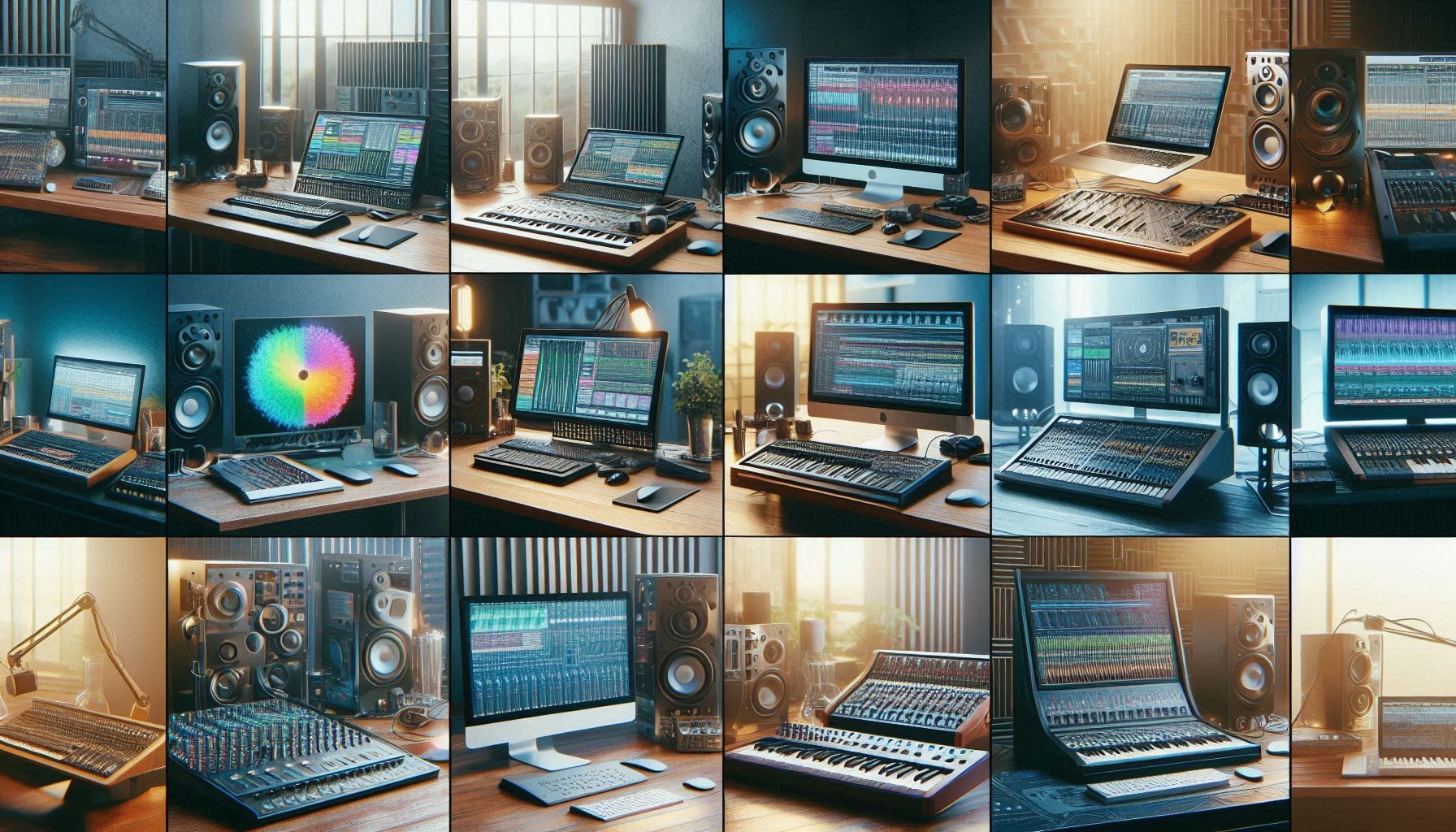
The computer is the engine everything in your DAW runs on. Get it right and it fades into the background — just a tool doing its job silently. Get it wrong and you’ll fight audio dropouts, plugin crashes, and performance limits every session. This guide covers what actually matters when choosing a computer for music production, what’s largely irrelevant despite what marketing materials suggest, and specific recommendations for different use cases and budgets.
The Specs That Genuinely Matter
CPU (Processor)
Your CPU does the heavy lifting in audio production — processing audio signals in real time, running plugin effects, and handling virtual instruments. DAW audio engines are largely single-threaded for the actual audio processing chain (meaning they rely heavily on the performance of individual cores rather than total core count), so single-core performance and clock speed matter more than sheer core count.
That said, modern DAWs distribute processing across multiple cores effectively — parallel plugin instances, multiple virtual instruments, and background tasks all benefit from additional cores. A CPU with high single-core performance and eight or more cores covers both requirements well.
On the Windows side, Intel Core i7 and i9 processors (12th generation and newer) and AMD Ryzen 7 and 9 series are both excellent for audio production. The Intel i9-12900K, i9-13900K, and equivalents offer strong single-core performance alongside high core counts. AMD Ryzen 9 7900X and 9000-series offer competitive performance with excellent multi-threaded throughput.
On the Mac side, Apple Silicon (M1, M2, M3, M4 series) offers extraordinary performance per watt. The M1 Pro and M1 Max dramatically outperform Intel Macs in audio production benchmarks and run Logic Pro and most DAWs natively with exceptional efficiency. For Mac users, Apple Silicon is strongly recommended over Intel Macs for new purchases.
RAM
RAM affects how many large sample libraries and virtual instruments you can load simultaneously without the computer having to swap data to disk. Orchestral libraries are the primary RAM consumer in audio production — a full orchestral template with multiple articulations for every instrument can easily consume 32–64GB of RAM.
- 16GB — minimum for serious work; adequate for production without large sample libraries
- 32GB — comfortable for most home studio setups including moderate sample library use
- 64GB — recommended for orchestral composers, producers with large Kontakt library collections, or anyone regularly running multiple sample-heavy instruments simultaneously
- 128GB+ — only necessary for professional orchestral composition with massive template sizes
Storage (SSD)
An SSD (Solid State Drive) is essential for audio production. The difference between an SSD and a traditional hard drive in DAW performance is dramatic — projects open faster, plugins load faster, and sample libraries stream with less latency. All new computers should have SSD primary storage; hard drives are acceptable only for archival backup storage.
For the operating system and DAW installation: a fast NVMe SSD with at least 500GB. For sample libraries and active projects: a separate SSD (either internal or via fast external connection) of 1TB or more. Separating the OS and sample library drives prevents the system from competing with sample streaming for disk bandwidth.
Sample libraries in particular benefit enormously from fast SSD storage. Loading Kontakt libraries, streaming large multi-sampled instruments, and reading audio files during playback all depend on disk read speed. An NVMe SSD (read speeds of 3,000–7,000 MB/s) dramatically outperforms a SATA SSD (550 MB/s) for sample streaming, and both are vastly better than a traditional hard drive (100–150 MB/s).
USB and Thunderbolt Connectivity
Your audio interface, MIDI controllers, and external drives connect via USB or Thunderbolt. Modern computers should have USB-C ports — most current audio interfaces use USB-C. Thunderbolt 3 or 4 provides higher bandwidth (40 Gbps) and is used by professional interfaces and high-speed external SSDs.
Avoid running your audio interface through a USB hub if possible — direct connection to the computer’s USB controller provides more stable and lower-latency operation. If you need a hub, use a powered hub specifically designed for professional audio use.
Desktop vs Laptop
Desktop
Desktops provide the best performance per dollar, better thermal management (sustained high-performance computing without throttling), more storage and RAM expansion options, and easier component upgrades over time. A desktop with a high-performance CPU and 32–64GB of RAM handles virtually any home studio workload without compromise. The tradeoff is lack of portability — a desktop-based studio is a permanent installation.
Laptop
Laptops provide portability for producers who work in multiple locations, travel for sessions, or simply prefer a more compact setup. The tradeoff is performance relative to cost — a laptop with equivalent processing power to a desktop costs more, generates more heat, and may throttle under sustained high-CPU loads. Modern laptop CPUs (Intel 13th gen+, AMD Ryzen 7000, Apple Silicon) have closed much of the performance gap with desktops for typical audio workloads.
For laptop buyers: prioritise single-core performance, RAM (get the maximum you can afford — most laptops don’t allow RAM upgrades after purchase), and a fast NVMe SSD. Thermal performance matters — a laptop that throttles heavily under CPU load will cause audio dropouts when plugin counts are high. Check reviews for sustained performance, not just peak benchmarks.
What Doesn’t Matter (Despite the Marketing)
- GPU (graphics card) for audio production — the GPU has no role in standard DAW audio processing. An expensive gaming GPU provides zero benefit for music production. The integrated graphics in modern CPUs handle display needs adequately. Exception: AI-assisted plugins that use GPU acceleration (some iZotope RX features, some AI mastering tools) do benefit from dedicated GPU compute, but this is niche.
- Extreme core counts — a 32-core CPU costs significantly more than a 12-core CPU but doesn’t proportionally improve DAW performance for typical home studio work. DAW audio engines don’t parallelise to 32 cores effectively. Medium-high core counts (8–16) with high clock speeds outperform extreme core counts with lower clocks for most audio applications.
- DDR5 vs DDR4 RAM — the speed difference between DDR4 and DDR5 RAM has minimal impact on audio production performance. Total capacity matters far more than memory speed.
- RGB lighting — irrelevant to audio performance.
Optimising Windows for Audio
Windows requires some configuration to perform optimally for audio production. Key steps:
- Set power plan to High Performance or Ultimate Performance — the Balanced power plan throttles CPU frequency to save power, which causes audio dropouts at low buffer sizes
- Disable Windows Update during sessions — background update tasks consume CPU and disk bandwidth at the worst possible moments. Schedule updates for when you’re not working.
- Disable sleep and hibernation on a desktop audio computer — waking from sleep can cause audio driver issues
- Use a dedicated audio hard drive separate from the OS drive for sample libraries and project audio
- Disable unnecessary startup programs — background applications consume RAM and CPU that should be available for your DAW
- Use your interface’s manufacturer ASIO driver — not ASIO4ALL or the Windows generic audio driver
Recommended Configurations
Budget home studio (Windows, ~$800–$1,200): AMD Ryzen 7 7700X or Intel Core i7-13700, 32GB DDR5, 1TB NVMe SSD. Handles all standard production workloads comfortably.
Serious home studio (Windows, ~$1,500–$2,500): Intel Core i9-13900K or AMD Ryzen 9 7900X, 64GB DDR5, 2TB NVMe SSD. Handles large orchestral templates and heavy plugin loads without compromise.
Mac laptop: MacBook Pro with M2 Pro or M3 Pro, 32GB unified memory, 1TB SSD. Exceptional performance and battery life for portable studio work. Logic Pro included at low cost.
Mac desktop: Mac Studio M2 Max or Mac Pro. For professional studio use where raw performance and maximum plugin counts matter — these machines handle anything a home or professional studio can throw at them.