
MusicTech.blog
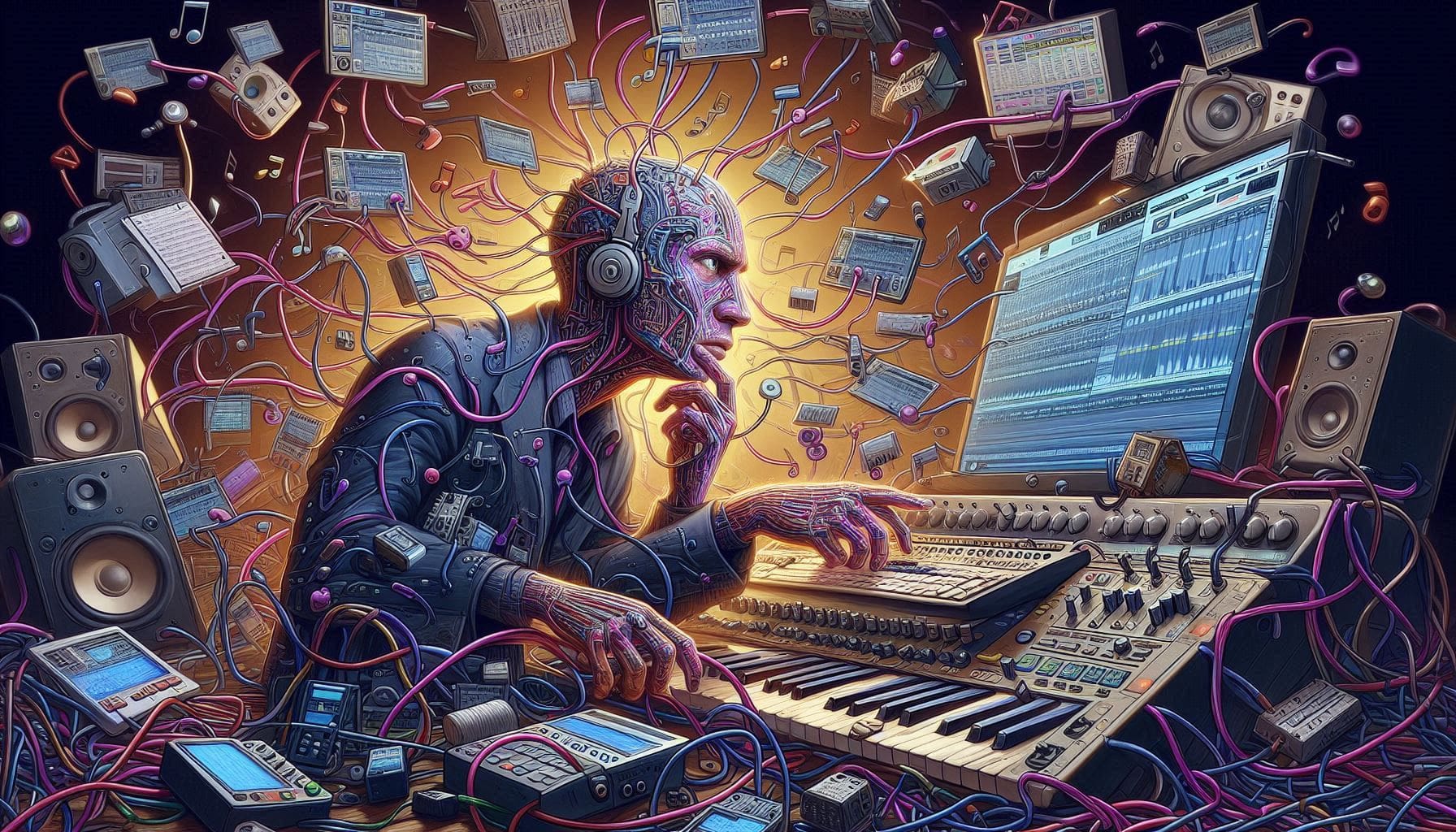
If you’ve been looking into home recording or music production for more than a few minutes, you’ve already encountered the acronym DAW. It gets thrown around constantly — and for good reason. Your DAW is the central piece of software that makes modern music production possible. But what exactly is it, how does it work, and how do you choose one?
The Basic Definition
DAW stands for Digital Audio Workstation. At its core, it’s software that lets you record, edit, arrange, mix, and master audio and MIDI data on your computer. Think of it as the digital equivalent of a recording studio: your multitrack tape machine, mixing console, effects rack, and instrument collection all combined into one piece of software.
The concept has its roots in the 1980s, when early MIDI sequencers allowed musicians to record and edit note data for synthesizers and drum machines. Steinberg’s Cubase — launched in 1989 for the Atari ST — was one of the pioneers. As computers became powerful enough to handle digital audio, sequencers evolved into full recording environments capable of replacing physical tape machines, hardware mixers, and outboard effects. By the mid-2000s, the DAW had become the central tool of professional and home studio production alike.
What a DAW Actually Does
Modern DAWs handle several distinct functions that used to require separate hardware:
Multitrack Recording
A DAW records audio from your microphone or instrument — via an audio interface — onto individual tracks, each of which can be edited, processed, and mixed independently. Where a four-track cassette recorder gave you four tracks, a modern DAW on a capable computer can handle hundreds of simultaneous audio tracks with no practical limit for home studio work.
MIDI Sequencing
MIDI (Musical Instrument Digital Interface) is a protocol that carries performance data — which notes were played, how hard they were pressed, how long they were held — rather than audio. A DAW records MIDI data from a keyboard controller, drum pad, or other MIDI device and uses it to trigger virtual instruments (software synthesizers, sample-based instruments, drum machines). This means you can record a piano performance, then change the notes, adjust the timing, alter the velocity, or swap the instrument entirely after the fact — something impossible with audio recordings.
Virtual Instruments
DAWs host virtual instruments — software synthesizers, sample players, drum machines, and more — via plugin standards like VST (Steinberg’s Virtual Studio Technology), AU (Apple’s Audio Units), and AAX (Avid’s format for Pro Tools). These instruments respond to MIDI input and generate audio in real time, allowing a single DAW to contain a virtually unlimited instrument collection without any physical hardware.
Audio Editing
Every DAW includes comprehensive audio editing tools: cutting, copying, and pasting regions of audio; time-stretching (changing the length of audio without changing the pitch); pitch correction; fades and crossfades; and non-destructive editing that preserves the original recording regardless of how much you alter it. Comping — assembling a composite take from multiple recorded performances — is a standard workflow for tracking vocals and guitar solos.
Mixing
The DAW’s mixer section handles the blend of all recorded tracks: volume balancing, panning in the stereo field, routing through effects processors (reverb, compression, EQ, delay), and automation of any parameter over time. Mix automation allows a vocal to get louder in the chorus, a reverb to fade in during a bridge, or a guitar to pan from left to right across eight bars — all happening automatically during playback.
Mastering
While dedicated mastering software exists, most DAWs are fully capable of handling the mastering stage — applying final EQ, limiting to streaming loudness targets, and exporting the finished file in whatever format is needed (WAV, MP3, FLAC, etc.).
The Major DAWs and Their Strengths
Every major DAW can record, edit, mix, and master music — the core functions are universal. What differs is the workflow, the interface philosophy, the included instruments and effects, and the specific strengths that have emerged from each DAW’s development history and user community.
Ableton Live
Ableton Live introduced the concept of the session view — a grid-based, non-linear arrangement where clips of audio and MIDI can be triggered in any order, making it the dominant tool for live performance and loop-based electronic music production. Its workflow is fast and intuitive for building ideas from loops and samples. The Arrangement view handles conventional linear recording and mixing. Ableton is the first choice for DJs, electronic music producers, and performers who need a production tool that works equally well on stage. Available for Windows and macOS.
Steinberg Cubase
Cubase is one of the oldest and most comprehensive DAWs — it’s been the production environment of choice for many major-label records, film composers, and sound designers for over three decades. Its MIDI editing and scoring capabilities are among the most advanced of any DAW, its audio engine is excellent, and its feature set is extraordinarily deep. Cubase rewards investment — there’s a significant learning curve, but the depth of control available to experienced users is matched by very few alternatives. Available for Windows and macOS.
Logic Pro
Logic Pro is Apple’s professional DAW and is available exclusively on macOS and iOS. At its price ($199 one-time purchase, or included with a Logic Pro subscription), it offers extraordinary value — a deep, professional feature set with an excellent included library of instruments, loops, and effects. The workflow is clean and well-designed, and it integrates seamlessly with Apple Silicon hardware for excellent performance. For Mac users, Logic is an extremely difficult value proposition to argue against.
FL Studio
FL Studio (formerly FruityLoops) is one of the most popular DAWs in hip-hop, trap, and electronic music production, with a pattern-based composition workflow centered on a step sequencer and piano roll. Its one-time purchase model includes lifetime free updates — you pay once and receive every future version at no additional cost, which represents exceptional long-term value. FL Studio has a devoted community and a massive library of tutorials. Available for Windows primarily, with a macOS version that has matured significantly in recent years.
Pro Tools
Pro Tools is the standard in professional recording studios and post-production facilities worldwide. If you intend to work in commercial studio environments, understand Pro Tools — it’s the lingua franca of the professional recording industry. Its subscription model has made it less attractive for home studio use in recent years, but it remains the professional standard for audio post-production, large-format mixing sessions, and any context where session compatibility with commercial facilities matters.
Reaper
Reaper is a remarkably capable DAW available at an unusually low price ($60 discounted license for personal and small commercial use, $225 commercial license). It’s highly customisable, extremely efficient on modest hardware, and has an active community that produces scripts, themes, and extensions that extend its functionality significantly. Reaper lacks the deep included instrument and effect library of Logic or Ableton, but as a recording and mixing environment it’s thoroughly professional and capable of anything the major DAWs can do. Available for Windows and macOS.
How to Choose the Right DAW
The most important factor in choosing a DAW is not which one is objectively “best” — they’re all capable of professional results — but which one fits your workflow, your platform, and what you make.
- You’re on a Mac and want the best value for a full-featured professional DAW: Logic Pro. The price, the included instruments, and the macOS integration make it the obvious first choice.
- You make electronic music and want the best live performance tool: Ableton Live. The session view workflow is unmatched for loop-based production and live electronic performance.
- You produce hip-hop, trap, or beatmaking is your primary focus: FL Studio. Its step sequencer and pattern-based workflow are optimised for exactly this, and the lifetime update policy is exceptional value.
- You want maximum depth for MIDI composition and audio recording: Cubase. Its MIDI editing is the deepest in the industry and its audio engine is excellent.
- You need a highly capable DAW on a tight budget: Reaper. Nothing else comes close to its price-to-capability ratio.
- You’ll be working in professional studios: Learn Pro Tools. Its industry-standard status makes session compatibility and professional transferability important.
Most major DAWs offer free trials of 30–90 days with full functionality. Download the trial versions of your top two or three candidates, import the same project into each, and see which one’s interface makes sense to you. The DAW you understand instinctively and enjoy spending time in is almost always the right choice — because the best DAW is the one you’ll actually use.
One Last Thing: DAW Loyalty Is Overrated
Online discussions about DAWs can get tribal quickly. Experienced producers sometimes defend their DAW of choice with intensity that suggests the alternatives are genuinely inferior. They’re not. Every major DAW on this list has been used to produce commercially successful records across every genre of music. The differences are real but they’re workflow differences — differences in how you get to the result, not in whether professional results are achievable.
Choose one. Learn it deeply. The skills you build — understanding mixing, processing audio, working with MIDI — transfer between DAWs. The DAW is a tool. The craft is what matters.