
MusicTech.blog
Spectrasonics Omnisphere 3 Review: Flagship Synth
March 5, 2026
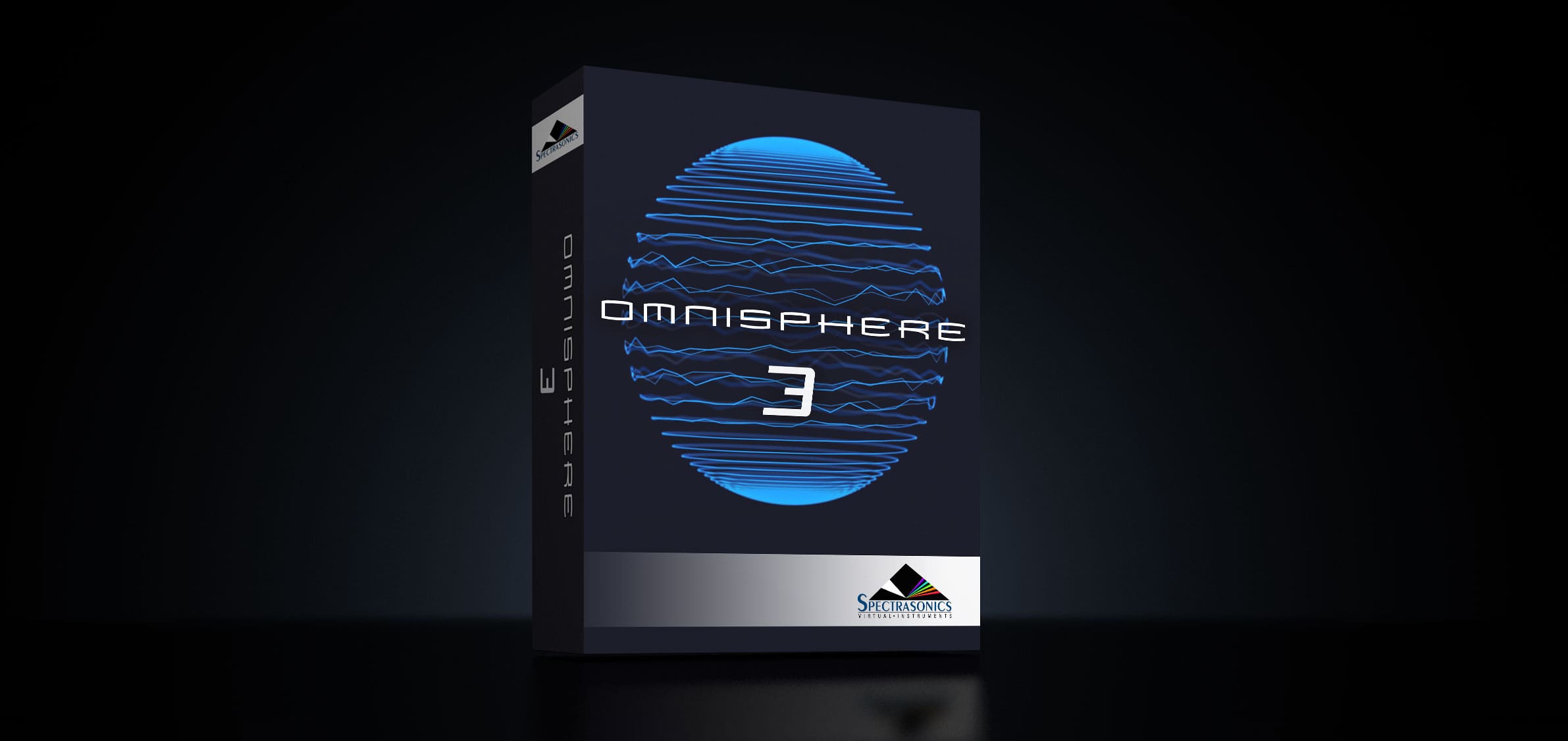
This Spectrasonics Omnisphere 3 review covers the October 2025 release — the most substantial update the plugin has received since version 2 arrived in 2015. It’s based on extended use across film scoring, electronic music production, and sound design sessions. The conclusion: Omnisphere 3 makes a strong case that it’s still the most versatile software synthesizer available, and the new features in version 3 aren’t just additions — several of them fundamentally expand what the instrument can do.
Omnisphere has occupied a unique position in the software synthesizer market since its original release in 2008. While the plugin landscape has grown enormously in the intervening years — with excellent instruments available at every price point — Omnisphere has consistently held its ground as the go-to choice for producers who need an enormous, deeply varied palette of sounds backed by serious synthesis depth. Version 3, released in October 2025, is the most substantial update the instrument has ever received, and it arrives with enough new content and capabilities to justify the excitement that had been building during its long development period.
What Omnisphere 3 is
Omnisphere is a hybrid software synthesizer built around Spectrasonics’ proprietary STEAM engine. It combines sample-based synthesis with multiple layers of DSP synthesis — wavetable, granular, FM, ring modulation, waveshaping, and more — giving you an instrument that can produce sounds ranging from deeply sampled acoustic textures to fully synthetic leads, basses, pads, and experimental soundscapes. Each patch can use up to four layers simultaneously, each with its own synthesis engine, filters, and modulation.
Version 3 runs as a VST, VST3, AU, and AAX plugin on both Windows (10 and above) and Mac (macOS 13 Ventura and above), with full Apple Silicon native support. A standalone application is also included. The core library occupies around 60GB but — impressively — takes no more disk space than Omnisphere 2 thanks to a new lossless optimisation method applied to the entire library.
The new sound library
The headline number is staggering: Omnisphere 3 ships with over 40,000 patches total, with 18 entirely new curated libraries added in this version. These libraries span a wide range of styles and use cases — atmospheric pads, cinematic textures, EDM-focused leads and basses, acoustic instrument hybrids, experimental sound design, and more — organised into themed categories designed to make navigation practical despite the enormous scale. The browsing experience has been redesigned accordingly, with improved tagging, search, and filtering making it significantly faster to find what you’re looking for.
All original Omnisphere 2 patches have been remastered and updated to take advantage of the new version 3 features. Backwards compatibility with Omnisphere 2 sessions is complete — your existing projects load and sound identical.
New synthesis features
Quadzone synthesis
Omnisphere 3 introduces Quadzone — a modulation and layering system that lets you split your four synthesis layers across three zones: keyboard range, velocity, and a new fader zone. The fader zone is particularly interesting: it allows smooth blending between patches using a MIDI controller, modulation wheel, polyphonic aftertouch, or envelope. In practice this enables expressive, real-time morphing between up to four different sounds within a single patch — a genuinely powerful performance and composition tool.
Upgraded filter section
The filter section gains 36 new filter types across seven distinct sonic characters, alongside a new component-modelled filter saturation for analogue-style warmth. A new Oscillator Drift function adds vintage analogue instability to the oscillators — subtle pitch and behaviour variations that make sustained sounds feel alive rather than static.
MPE support
Full MPE (MIDI Polyphonic Expression) support arrives in version 3, allowing per-note expressive control of pitch, pressure, and timbre via MPE-capable controllers like the ROLI Seaboard or Expressive E Osmose. For producers who work with expressive controllers, this opens up a new dimension of real-time performance that wasn’t possible in Omnisphere 2.
Adaptive Global Controls
A new Global Controls section provides a set of intelligent macro knobs — Tone, Ambience, Filter, Envelope, Vibrato, and Unison — that automatically analyse whichever patch is loaded and map to its most musically relevant parameters. This gives you an immediate, always-musical way to customise any sound without diving into the deep synthesis view.
Patch Mutation
A new one-click Mutation function generates variations of any loaded patch, ranging from subtle to extreme, with every mutation automatically saved for easy recall. It’s a useful creative tool for producers who get stuck in preset-browsing mode — letting the instrument surprise you can be a genuine catalyst for new ideas.
Omni FX — now a standalone plugin
One of the most practically significant additions in version 3 is the Omni FX plugin. Omnisphere has always had an excellent built-in effects section, but those effects were previously only accessible within the instrument itself. Version 3 makes the entire Omnisphere FX rack available as a standalone VST/AU/AAX plugin that you can load on any track in your DAW — 35 new effects units added, spanning reverbs, delays, modulation, EQ, dynamics, and distortion. For producers who already love Omnisphere’s reverb and modulation effects, being able to apply them to external audio tracks is a meaningful workflow addition.
Expanded hardware integration
Over 300 new hardware profiles have been added, expanding integration to cover synthesizers and MIDI controllers from virtually every major manufacturer — Roland, Korg, Yamaha, Nord, Novation, Arturia, Native Instruments, and many more. This makes the hardware integration feature genuinely accessible regardless of what controller you already own, rather than requiring one of a small list of specifically supported synths.
Is the Omnisphere 3 upgrade worth it?
For existing Omnisphere 2 owners, the upgrade case is strong at $199. The 18 new sound libraries alone represent an enormous creative resource, and features like Quadzone, MPE support, the standalone Omni FX plugin, and the Adaptive Global Controls are meaningful practical additions rather than superficial updates. Spectrasonics maintains full backwards compatibility with all Omnisphere 2 sessions, so there’s no risk to existing projects.
For new users at $499, Omnisphere 3 is a serious investment. It makes most sense for producers who work across multiple genres and need a single instrument that can cover an enormous range of sonic territory — film and TV composers, electronic music producers, pop and R&B producers, and sound designers will all find substantial value here. If you work strictly within one specific style and already have dedicated instruments for it, a more focused synthesizer at a lower price point might serve you better day-to-day.
Our verdict
Spectrasonics Omnisphere 3 — Highly Recommended.
- Price: $499 new / $199 upgrade from Omnisphere 2 / $249 upgrade from Atmosphere
- Formats: VST, VST3, AU, AAX + Standalone
- Platforms: Windows 10+, macOS 13+ (Apple Silicon native)
- Library: 40,000+ patches, 18 new curated libraries, ~60GB
- New in v3: Quadzone synthesis, 36 new filter types, MPE support, Adaptive Global Controls, Patch Mutation, Omni FX standalone plugin, 300+ new hardware profiles
- Best for: Film/TV composers, electronic music producers, sound designers, producers needing a wide-ranging all-in-one instrument
Omnisphere 3 is a significant step forward for an already formidable instrument. The combination of a massive new sound library, genuinely useful new synthesis features, MPE support, and the standalone Omni FX plugin gives both new and existing users a lot to work with.
Related reading: What Is A DAW? | FabFilter Pro-Q 4 Review | A Guide to MIDI Controller Keyboards | Getting Started With Home Recording