
MusicTech.blog
How to Master a Song at Home: Loudness, Limiting and Streaming Targets
January 28, 2026
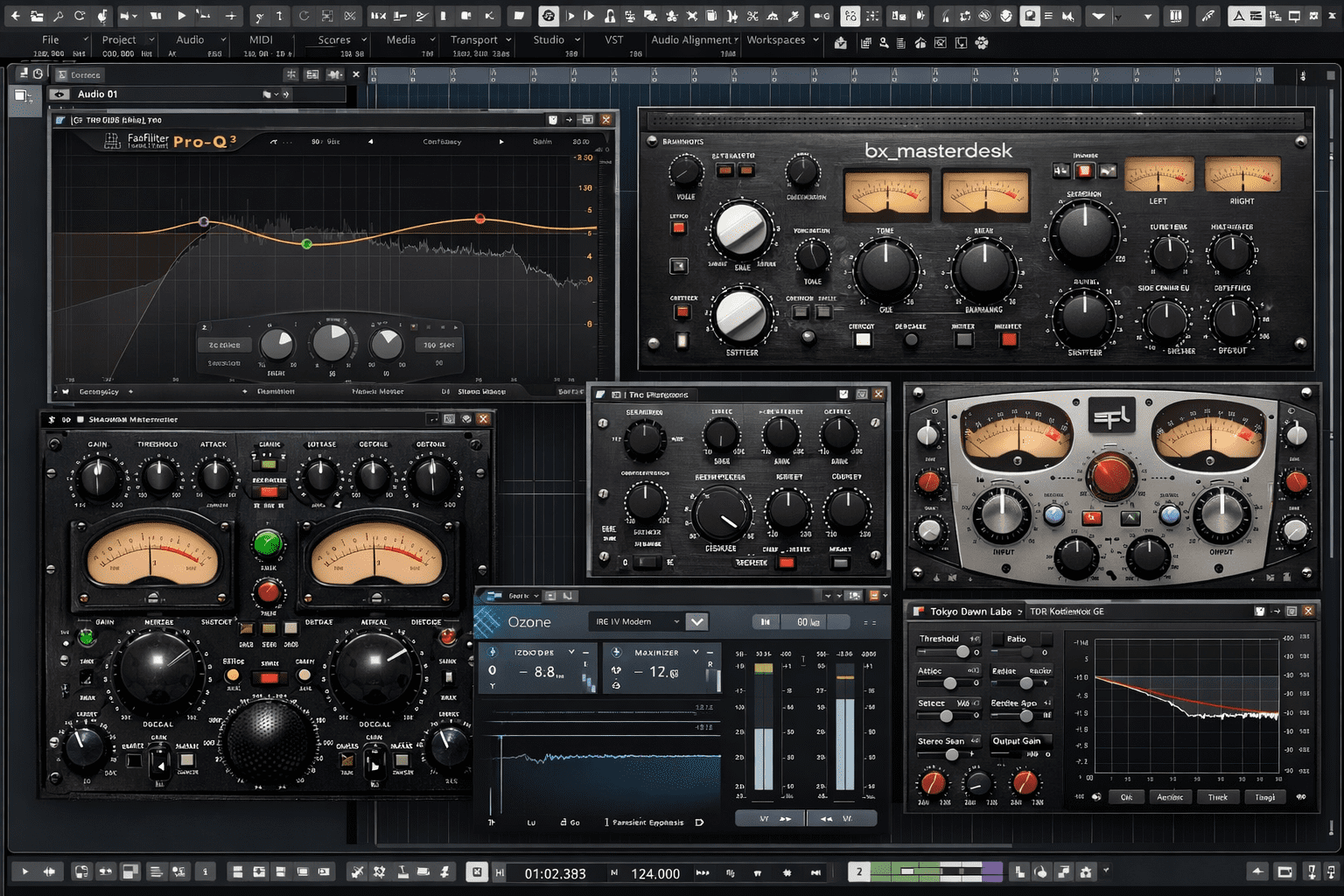
Mastering is the final step between a finished mix and a release-ready track. It’s the stage where you apply the last layer of processing — tonal balance correction, dynamic control, limiting to streaming loudness targets — and prepare your audio for distribution. Done well, mastering makes your music sound consistent, clear, and competitive on the platforms where listeners will hear it. Done poorly, or skipped entirely, even a good mix can sound thin, inconsistent, or too quiet next to professionally released tracks.
This guide covers the complete home mastering process — what mastering actually does, the processing chain, how to hit streaming loudness targets correctly, and what tools to use.
Before You Master: Getting the Mix Ready
Mastering cannot fix a bad mix. If the low end is muddy, the vocal is buried, the mix is too compressed, or individual elements are fighting each other in the frequency spectrum — mastering will amplify those problems, not solve them. The time to address those issues is in the mix, not the master.
Before exporting for mastering, check these things:
- Headroom — the master bus fader should be at 0dB, and the peak level of the mix should be hitting no higher than -3 to -6 dBFS. This gives the mastering chain room to work without the input signal already clipping. If you have any limiting or heavy compression on the master bus during mixing, remove or bypass it before the mastering export.
- Frequency balance — listen on multiple playback systems before declaring the mix finished. If it sounds bass-heavy on monitors but thin on headphones, the low end needs addressing in the mix.
- Dynamic range — a mix that’s already been heavily compressed has limited mastering headroom. Leave the dynamics relatively intact at the mix stage; mastering will handle the final dynamic control.
- Export format — export your mix as a 24-bit WAV file at the same sample rate as your project. Do not convert to MP3 or reduce the bit depth before mastering.
The Mastering Signal Chain
A typical home mastering chain involves the following processors in roughly this order, though not every track needs every stage:
1. EQ
Mastering EQ is used for broad tonal correction — not the surgical frequency notching of mix EQ, but gentle, wide adjustments to balance the overall frequency content of the mix. A slight high-shelf boost adds air and presence; a gentle low-shelf roll-off cleans up sub-bass energy; a mid-range dip reduces a boxiness that survived the mix stage.
Mastering EQ moves are typically measured in fractions of a dB to perhaps 2–3 dB at most. If you’re making 6 dB adjustments in mastering, the mix needs more work. Use a linear-phase EQ (which avoids phase distortion on broad boosts and cuts) for mastering — FabFilter Pro-Q 4, Izotope Ozone’s EQ module, or TDR Nova are all appropriate options.
2. Compression (Optional)
Mastering compression is used to add cohesion and glue to the mix — gently controlling dynamic range across the full mix to make it feel more unified and consistent. The settings are extremely gentle compared to mix compression: ratios of 1.5:1 to 2:1, slow attack times (50–100 ms), slow release times (200–400 ms), and very light gain reduction (1–3 dB maximum). The goal is to feel the compression rather than hear it.
Not every master needs compression. If your mix already has good dynamic cohesion from well-applied bus compression in the mix stage, adding mastering compression can over-compress the result. Listen critically — if the master sounds more glued and controlled with compression, use it. If it just sounds squashed, skip it or reduce the settings.
3. Stereo Width (Optional)
Mid/side (M/S) processing allows independent control of the mono centre and the stereo sides of a mix — useful for widening a mix that feels narrow, narrowing a mix that has too much information in the sides (which can cause mono compatibility issues), or applying EQ separately to the centre and sides. A gentle stereo widening can add space and openness to a mix that sounds cramped; overdoing it causes phase problems and poor mono playback.
Always check your master in mono (most DAWs have a mono monitoring button) after any stereo width processing. A mix that sounds wide in stereo but loses significant content in mono has a problem that will affect listeners on phones, laptop speakers, and Bluetooth devices.
4. Saturation (Optional)
A touch of saturation or tape emulation at the mastering stage can add warmth, harmonic density, and perceived loudness without heavy limiting. It works particularly well on mixes that feel thin or cold — often electronic or heavily produced tracks that lack the natural harmonic content of recordings made through analogue gear. Keep it subtle: if you can clearly hear the saturation, it’s too much.
5. Limiting
The limiter is the final stage of the mastering chain and the tool responsible for bringing your mix to its target loudness. A limiter is a compressor with an extremely high ratio (effectively infinity:1) that prevents any signal from exceeding a set ceiling — the output level you set as the maximum.
Set the output ceiling first. For streaming delivery, set the true-peak ceiling to -1.0 dBTP (true-peak, not sample peak). This accounts for intersample peaks — the peaks that can occur between samples during digital-to-analogue conversion, which can cause distortion in the playback chain even if the sample-level measurement shows no clipping.
Then increase the input gain (or threshold) until the limiter is reducing gain by 2–6 dB on peaks. More than 6 dB of gain reduction from a limiter usually means either the mix is too dynamic for aggressive limiting (which means the target is wrong, not the mix), or the target loudness is higher than the material can support without audible distortion.
Streaming Loudness Targets
Every major streaming platform applies loudness normalisation — they measure the loudness of your track and adjust the playback volume to match a target level. This means that mastering to an extreme loudness level doesn’t make your track louder in the playlist; it makes it louder before the platform turns it down.
The current loudness targets and normalisation behaviour of the major platforms:
- Spotify: normalises to -14 LUFS (integrated) in the default “Normal” loudness setting. Tracks louder than -14 LUFS are turned down; tracks quieter than -14 LUFS are turned up.
- Apple Music: normalises to -16 LUFS with Sound Check enabled (on by default). More conservative than Spotify — masters at -14 LUFS will be turned down approximately 2 dB.
- YouTube: normalises to -14 LUFS integrated. Consistent with Spotify’s standard.
- Tidal: normalises to -14 LUFS in standard quality mode.
- Amazon Music: normalises to -14 LUFS.
The practical recommendation for most music: master to -14 LUFS integrated, with a true-peak ceiling of -1.0 dBTP. This hits the Spotify and YouTube target precisely, is only 2 dB louder than Apple Music’s target (meaning a 2 dB reduction on Apple, not a problem), and provides enough loudness for competitive playback without heavy limiting artefacts.
For music with significant dynamic range — classical, jazz, acoustic — targeting -16 to -18 LUFS is appropriate. These genres don’t need to compete for loudness and benefit from preserving their natural dynamics. The platform will turn them up slightly, not down.
Measuring Loudness: Essential Tools
You cannot master to loudness targets without a loudness meter that measures LUFS (Loudness Units relative to Full Scale). Sample-level peak metering alone is insufficient — it doesn’t reflect perceived loudness, which is what the platforms measure.
Youlean Loudness Meter is a free plugin that measures integrated LUFS, short-term LUFS, true-peak levels, and loudness range — everything you need to master for streaming accurately. Put it at the end of your mastering chain and run the full track to get the integrated LUFS measurement. Available free at youlean.co.
Paid options include the loudness meters built into Izotope Ozone and FabFilter Pro-L 2 (which includes a true-peak limiter alongside its metering), and the excellent Nugen Audio VisLM for broadcast-standard loudness compliance measurement.
AI and Automated Mastering
Services like LANDR, eMastered, and the AI mastering features in Izotope Ozone 11 can produce a competent master from an uploaded mix file automatically. These tools have improved considerably and are genuinely useful for demos, reference masters, and situations where speed matters more than fine-tuned control. For a final commercial release where the mastering quality matters, manual mastering by an experienced engineer (or careful manual mastering in your own DAW) will consistently produce better results than automated services — but automated mastering beats no mastering or poor mastering from an inexperienced hand.
Should You Master Your Own Music?
The honest answer: it depends on the context. For demos, self-releases, and music where budget is a constraint, mastering your own work is a perfectly valid approach — particularly if you’re careful about the mix headroom, use a loudness meter to hit the right target, and limit appropriately for the delivery platform.
For commercial releases where the mastering quality directly affects the impression the music makes, consider hiring a professional mastering engineer. A good mastering engineer brings fresh ears, a calibrated listening environment, and years of reference experience that’s difficult to replicate when you’ve been listening to the same mix for weeks. The cost of professional mastering for a single track is modest relative to the time invested in producing and mixing it.
Many producers do both — master their own work for demos and self-releases, and hire a professional for significant commercial releases. That’s a reasonable middle ground that keeps costs under control while ensuring the important releases get the best possible treatment.