
MusicTech.blog
Mixing in Headphones: How to Get Mixes That Translate
May 13, 2026
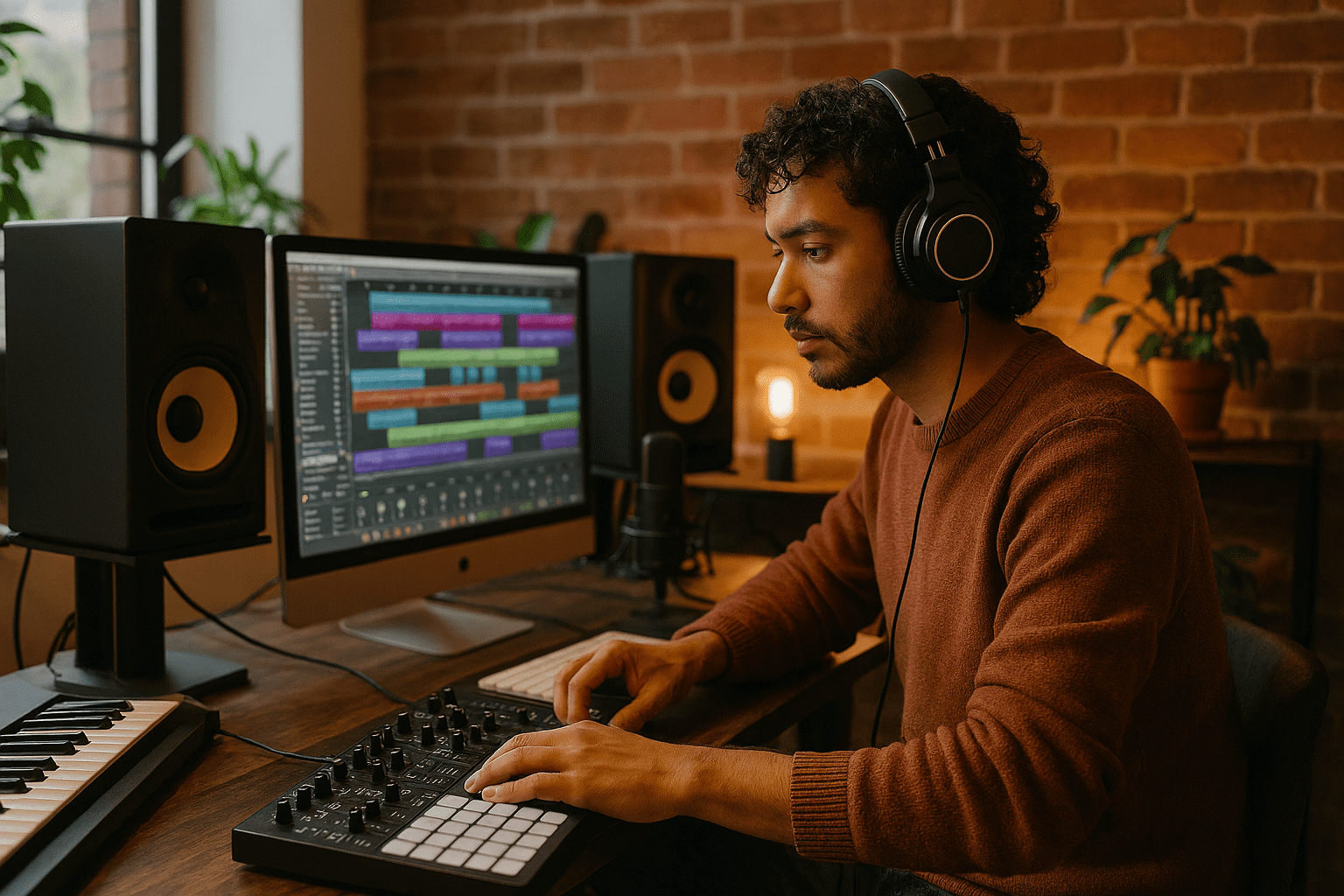
Mixing on headphones is a practical necessity for a growing number of producers — late nights, shared living spaces, acoustic environments that make monitor mixing unreliable, or simply the availability of a great pair of headphones before a great pair of monitors. It’s also a workflow that comes with real challenges: the exaggerated stereo image, the absence of speaker-to-room interaction, and the different low-frequency perception compared to listening on speakers. This guide covers how to mix effectively on headphones and how to improve translation to other playback systems.
Why Headphone Mixes Often Don’t Translate
Headphones present audio differently than speakers in three key ways that directly affect mixing decisions. Understanding these differences is the first step to compensating for them.
Total stereo separation. There’s no acoustic crosstalk between left and right channels in headphones. On speakers, the left speaker reaches the right ear and vice versa, creating natural blending we hear in the real world. Headphones eliminate this entirely — the left channel goes only to the left ear, the right only to the right. The result is a stereo image that feels unnaturally wide and “inside the head” compared to the speaker presentation that most listeners use. Mixes made entirely on headphones tend to have panning decisions that sound too spread on speakers, and stereo reverb tails that feel more distant and diffuse than intended. Understanding phase and stereo relationships in your mix helps you make decisions that hold up in both listening environments.
No room interaction. Speaker listening involves the room — first reflections, bass mode buildup, decay. Your ears adapt to the room’s acoustic signature and your brain compensates for it when evaluating the mix. Headphones bypass the room entirely, which removes low-frequency buildup problems but also removes the acoustic context your ears expect. Low-end perception changes significantly: bass that sounds appropriately prominent on headphones can be thin on speakers in an acoustically lively room, or overwhelming in a room with significant bass buildup. The frequency relationships you hear on headphones are accurate in isolation but don’t reflect how the mix will interact with typical listening environments.
Transducer-to-ear proximity. Headphone drivers sit millimetres from the ear canal, with a fixed relationship between driver and ear that creates specific resonance effects at particular frequencies depending on the headphone’s design. Different headphones impose different coloration — one model might have a broad mid-bass emphasis, another a 3kHz peak that makes mixes sound brighter than they are. Knowing your headphones’ character (usually available as a frequency response graph from the manufacturer or from measurement databases like independent measurement archives) lets you compensate for systematic deviations in your mixing decisions.
Crossfeed: Simulating Speaker Crosstalk
Crossfeed processing adds a small amount of the left channel signal to the right channel output (and vice versa) with a slight delay, simulating the acoustic crosstalk that occurs naturally when listening on speakers. This narrows the stereo image to a more speaker-like presentation and reduces the ear fatigue associated with fully separated headphone stereo. Running crossfeed during your mixing session means panning decisions made on headphones will be calibrated to a more speaker-like stereo field — reducing the likelihood of over-wide mixes that lose coherence on speakers.
Several crossfeed solutions are available. Goodhertz CanOpener Studio is widely regarded as the best software crossfeed plugin available — its algorithm produces a particularly natural speaker simulation. The free Redline Monitor plugin from 112dB provides similar functionality at no cost. Many high-end headphone amplifiers (the Schiit Mjolnir, the Meier Audio range) include hardware crossfeed circuits that apply the correction at the amplifier level before the signal reaches the headphones.
A more advanced solution is headphone calibration software — Sonarworks SoundID Reference measures the frequency response of your specific headphone (or uses a pre-measured profile for your model) and applies a correction curve in real time, flattening the headphone’s characteristic coloration to a neutral reference curve. This is the closest thing to monitoring on a flat, calibrated speaker that headphone listening offers. SoundID Reference supports hundreds of headphone models and allows toggling the correction on and off for comparison.
Reference Tracks: The Most Important Tool
Referencing commercially released music in a similar genre and style, through the same headphones, throughout the mixing session is the single most effective tool for improving headphone mix translation. Load a reference track into your DAW at a level-matched volume to your mix — the same perceived loudness, not the same peak level. A/B between the reference and your mix regularly, at minimum every 15–20 minutes.
The comparison tells you whether your low end, midrange, and high end are in the right relationship to each other relative to music that already translates well. It also recalibrates your ears after extended listening, when your perception adapts to the headphone sound and you start making correction errors without realising it. This is the same reference technique that professional mixing engineers use on monitors — it’s not a workaround for headphone limitations, it’s fundamental mixing practice regardless of the monitoring system. For mastering work, referencing is even more critical — see our guide on how to master a song at home for how to integrate reference tracks into the mastering workflow.
Choose references carefully: pick tracks you know intimately on multiple systems, in a genre and sonic character similar to the mix you’re working on. A reference track that sounds very different from your target will mislead rather than inform. Three references in different but related styles is better than one.
Checking on Multiple Systems
Export mixes regularly — at least once per session before considering decisions final — and check them on different playback systems. Each system has a different frequency response, dynamic range, and listening environment, and each reveals different translation issues.
Phone speakers reveal whether the mix has enough midrange presence. On a phone’s tiny driver, bass-heavy mixes become thin and weak while mid-present mixes remain intelligible. If your mix sounds hollow or loses its character on phone speakers, your low-midrange (200–400Hz) may be too prominent relative to the presence range (2–5kHz). Understanding EQ and frequency balance is the key to making corrections here.
Consumer earbuds reveal stereo image issues. If your stereo field sounds uncomfortable on earbuds — too wide, too harsh on the sides — the crossfeed you’re using in the mix session isn’t compensating enough, or you’ve applied too much stereo widening.
A Bluetooth speaker reveals mono compatibility and low-frequency translation. Many Bluetooth speakers sum to mono or near-mono. Phase issues in the bass and low-mids that are inaudible in stereo become cancellation on a mono speaker.
Car audio is one of the most revealing systems for checking a mix — most people listen to music in cars, and the car’s enclosed acoustic environment and speaker placement creates a very different listening context to any room or headphone. If your mix sounds good in the car, it’ll translate almost everywhere.
Managing Ear Fatigue on Headphones
Ear fatigue is a more significant factor with headphone listening than with monitors because headphones couple the transducer directly to the ear canal without the natural diffusion of speaker-to-room-to-ear listening. Extended mixing sessions on headphones can cause the ears to adapt to the headphone’s frequency response, leading to increasingly inaccurate perception. Practical countermeasures:
- Take breaks every 45–60 minutes — give your ears 10 minutes away from the headphones. Even this short break allows your perception to partially reset.
- Work at lower volumes — headphone listening at high volumes causes fatigue much faster than moderate-volume monitoring. Mix at a level where you can hold a normal conversation without raising your voice.
- Use open-back headphones — the natural acoustic venting of open-back designs reduces the pressure buildup and resonance effects that accelerate fatigue on closed-back designs.
- Alternate between headphones and speakers where possible — even a brief check on monitors after a headphone session recalibrates your ears and reveals issues the headphones were masking.
Headphone Choice for Mixing
Open-back headphones produce a more spacious, speaker-like presentation than closed-back designs and are generally preferred for mixing. The open design allows the earcups to breathe, reducing the sealed-chamber resonance effects of closed-back headphones. For a detailed comparison of the two most widely recommended open-back mixing headphones, see our Sennheiser HD 600 vs HD 650 review.
The Beyerdynamic DT 990 Pro is another widely used open-back option — bright-tilted in character with pronounced treble, which suits some engineers but can lead to overly dark mixes if the brightness causes you to roll off the highs to compensate. The Sony MDR-7506 is a closed-back workhorse found in broadcast and tracking environments — excellent for checking mixes on a different system but not ideal as a primary mixing headphone due to its coloured character. The Audio-Technica ATH-M50x is similarly popular but similarly coloured — fine for casual listening, less reliable for critical mix decisions.
Whatever headphones you use for mixing, spend time learning their character before trusting them for critical decisions. Listen to music you know intimately across every genre — bass-heavy, bright, mid-present, wide, narrow — and note how those characteristics translate on your headphones versus speakers. Building this map of your headphone’s personality is what makes headphone mixing reliable over time. When you’ve got your headphone mix dialled in, apply the same principles to specific tasks like mixing drums on headphones or mixing vocals in a headphone session — the same translation principles apply across every element.
Further Reading
- Using Headphones In The Studio
- Mixing Basics: How to Balance, EQ, and Pan Your Tracks
- A Guide To Choosing The Right Studio Monitors
- Sennheiser HD 600 vs HD 650 Review
- Best Studio Monitors Under $500 in 2026
- EQ Explained: How to Shape Tone and Fix Problems in Your Mix
- Phase and Polarity Explained: Why Your Audio Can Disappear